
Google Ads lessons · October 16, 2026 · 10 min read
Why is my Google Ads spend not turning into clients?
By Dr. Medai Abadi, founder of Medai Digital
Short answer
Usually because the account is set up to count and buy the wrong things. Many accounts record page visits as leads, buy the cheapest clicks, show ads far outside the service area and never connect results to the CRM. Fix tracking first, buy specific local searches, exclude look-alike searches and teach Google which leads became real clients.
Key takeaways
- Check what your account counts as a conversion before judging any result.
- A conversion is a contact; only your CRM shows which ones became clients.
- Specific, local searches beat broad words where national brands bid.
- Control cost with negative keywords, locations and match types, not by pausing.
- Ads add a channel of leads; they cannot replace a strong website and Google profile.
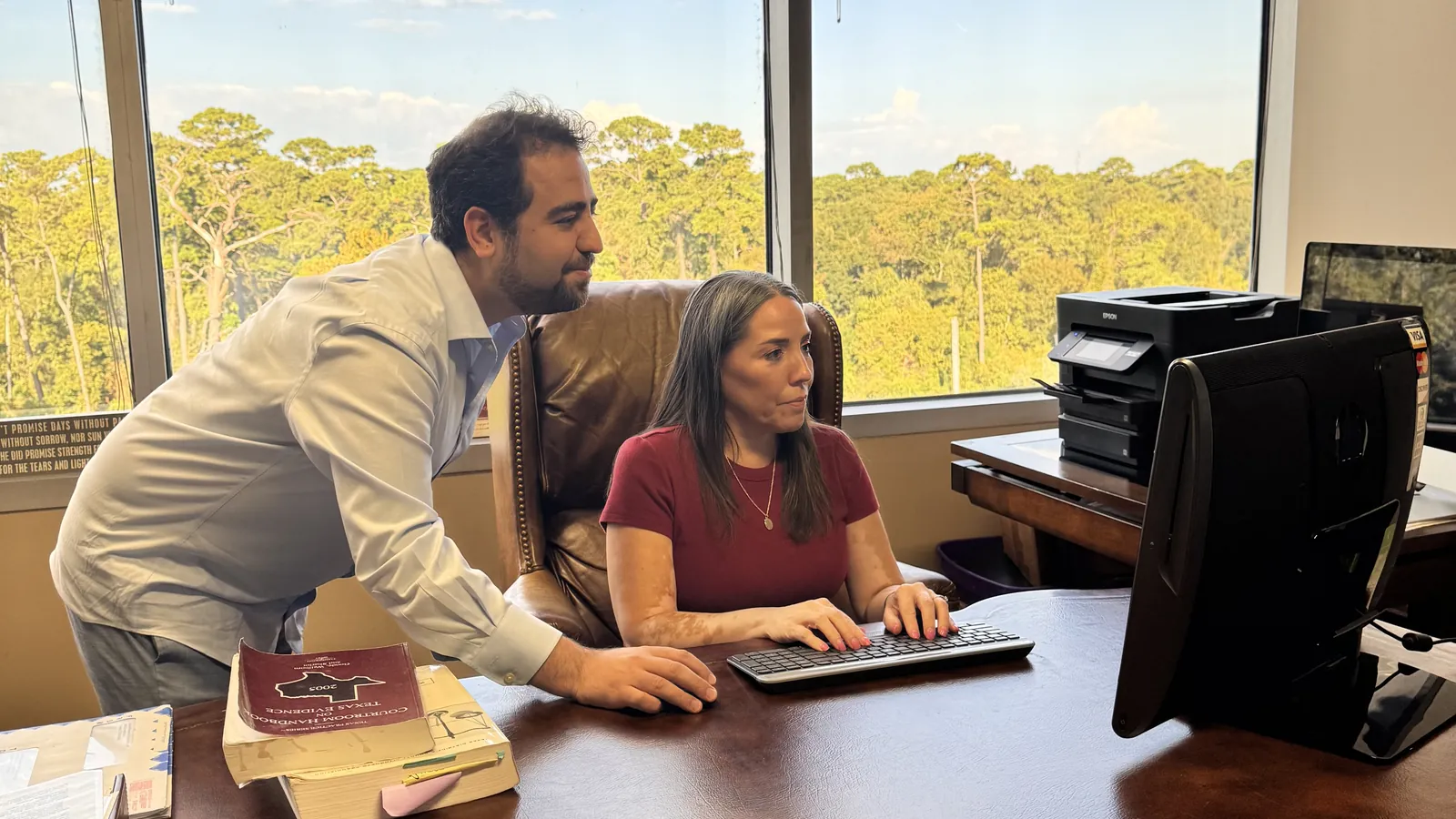
Before I worked in marketing, I spent years as a data scientist and AI engineer in Houston's energy industry, building machine learning models on large data sets. The first rule you learn there is simple: a model is only as good as the labels you train it on. Feed it wrong answers, and it becomes very confident about the wrong thing.
Google Ads works the same way. Its bidding is a learning system, and every conversion you record is a label that tells it "find more people like this." When I started auditing the Google Ads account of a Houston family that manufactures and installs its own windows and doors, almost every problem I found came back to that rule. Since then I have also listened to business owners who spend a very large amount on ads every day and cannot say what it brings back. Here are the questions I now ask of every account, with what we found and what we changed.
Why does my Google Ads report look great while my phone stays quiet?
The report showed dozens of conversions at a low cost each. The phone did not agree. When I traced the conversions, almost all of them came from one mistake: ads had been pointed at the thank-you page that normally appears after someone submits the quote form. Every paid click landed on that page, so every click was recorded as a quote request. In another campaign, simple visits to the About page were counted as leads.
In data science terms, the model was trained on false labels. Google did exactly what it was told: it found more people who would land on a page, not people who wanted a quote.
What we changed: a conversion now means a real form submission, a real call of meaningful length, or a booked consultation. The thank-you page is never a landing page. And we paused the old campaigns instead of repairing them, because their learning history was built on the false labels.
Is every conversion in Google Ads a real client?
No. Even with clean tracking, a conversion is only a contact. In one week we compared the conversions Google reported against the CRM and the call recordings we could review. Only a small share were quotable jobs. The rest were glass repairs, out-of-area requests or people looking for products the company does not sell.
You cannot see this from inside Google Ads. You see it by connecting every ad lead to your CRM and listening to the calls. That is the difference between knowing your cost per click and knowing your cost per client.
Why are my clicks so cheap, and why should that worry me?
At one point the bid strategy was set to get as many clicks as possible. Google then found the least expensive visitors it could: broad searches like "doors and doors", competitor brand names, price lists, do-it-yourself questions and products the company does not sell, like mobile home doors. Thousands of search terms had run, and not one had been excluded.
Cheap clicks are cheap because nobody else wants them. What we changed: phrase and exact match for the searches people make when they are ready to hire, a weekly read of the search terms report, and exclusions every week.
Which searches should a Houston business never pay for?
Some of the most expensive searches look almost right. In Houston, "window replacement" also brings people who need a car windshield replaced, and "window repair" brings people with one broken pane who need a small repair, not new windows. In one week, more than half of the named search cost in a consumer campaign went to glass and repair searches the company does not serve.
Local language matters too. Houston homeowners search for "vinyl" windows, not "UPVC", which is the term the industry often uses. The ads should speak the way your customers search.
What we changed: a negative keyword list on day one, with auto glass, windshield, repair and other look-alike searches, growing every week. It is the cheapest money you will ever save.
Why are people in California seeing my Houston ads?
One campaign was set to show ads across the whole United States, with extra interest in two states where the company could never install a window. Google also offers a setting that reaches people "interested in" your area, not only people who are in it. And many Houston suburb names also exist in other states, so a search for a suburb alone can come from someone a thousand miles away.
What we changed: ads reach people who are in, or regularly in, the cities and counties the company actually serves. The ads and keywords say "Houston, TX" or "Katy, TX", not just the suburb name. In the keyword data, Katy and Sugar Land were among the most expensive Houston areas to advertise in, which is a reason to be precise there, not to spend broadly.
Should I pause my ads when the results look bad?
It feels like the responsible thing to do. In practice, one campaign had its budget changed again and again, with an end date and long gaps. The result was bursts of cheap clicks and silence in between, and the bidding never had enough steady data to learn. A learning system that keeps being switched off never learns.
What we changed: a daily budget the business can live with, running during the hours someone answers the phone. Cost is controlled with negative keywords, locations, match types and bid limits, not with the on and off switch.
Can a local company beat the national brands on Google Ads?
Not on their words. A family manufacturer bidding on "windows and doors" is competing with the largest national window brands and big box stores for the most expensive and least specific searches. Its ads rarely show, and when they do, the visitor was probably looking for something else.
It can win on specifics. "Aluminum casement windows in Houston" or "lift and slide patio doors" are searches a manufacturer can own, because the ad and the landing page can answer them exactly. The keyword, the ad and the page should all say the same thing.
Where does Google spend my money when I am not watching?
Google offers many ways to expand a campaign automatically: display placements, matching to pages it chooses, broader audiences and campaign types that run across many channels at once. Left unwatched, they moved budget into mobile apps, games and recipe sites that no one chose.
Demographic settings can surprise you too. In one account, the group Google could not classify by household income produced more conversions than any income band it could name. Excluding "unknown" does not remove the people you do not want. It removes everyone Google cannot label.
What we changed: search first, automatic expansion added one piece at a time once the core works, and "unknown" kept in every demographic setting.
How do you teach Google Ads which leads are worth paying for?
This is where the data scientist in me gets most interested, because it is the part most accounts skip. The bidding system improves when you give it better labels:
- Count calls on the tracking number that appears on your website for ad visitors, with a minimum call length, so a hang-up is not a lead.
- Run ads during the hours someone will answer.
- Send back which leads became real clients from your CRM, so the system learns the difference between a call and a customer.
Done this way, ads stop buying clicks and start looking for people who resemble your best clients. It is part setup and part craft, and it takes weeks of steady attention.
Who benefits when my ad budget goes up?
A business owner told me his company spends a very large amount on Google Ads every day with little to show for it, and that the agency running the account was paid a percentage of the ad spend. He saw the problem before I said it: when the agency earns more as you spend more, nothing in the arrangement rewards fewer, better clients.
Ask how your agency is paid, who owns the ad account and whether its reports end at clicks or at clients. Your ad account and its history should always be in your name. We do not take a percentage of ad spend, for exactly this reason, and I explain why in why a percentage of ad spend is the wrong incentive.
What should a Google Ads audit look at first?
In this order: what counts as a conversion, whether those conversions match real leads in the CRM, the search terms report, location settings, and where the budget is going outside search. In the account we rebuilt, the first item alone explained most of the problem, and it took minutes to find once someone looked.
Should a local business use Performance Max?
Carefully, and not first. Performance Max runs across search, maps, display, video and apps at once, and it learns from your conversion data. In our audit its clicks were mostly cheap mobile placements, and it could not be trusted until the search campaign proved which leads were real. We held it at a small daily budget while the core search campaign earned its keep. Once tracking is clean and the CRM feeds back real results, it can help. Before that, it mostly finds cheap traffic.
When should you not run Google Ads at all?
More often than most agencies will tell you. If your website does not clearly say what you do and where, if calls go unanswered or forms go nowhere, or if no one can see which leads become clients, ads will mostly buy expensive traffic to a leaky system. In that case my advice is to wait, and we have recommended pausing campaigns rather than spending more on a broken setup.
For many businesses, paid ads are a necessary expense. Depending on them is the mistake. Ads cannot fix a confusing website, an incomplete Google Business Profile, missing reviews or a business that AI assistants do not understand. They only send more people to whatever you already have, and the leads stop the day the budget stops. Build the foundation first, then use ads as one channel of leads, sized to what they return.
Questions to ask about your Google Ads this week
- What exactly does my account count as a conversion?
- Of last month's conversions, how many became real clients, and do I know which ones?
- When did someone last read the search terms report, and what was excluded?
- Where are my ads showing, by location and by placement?
- How is my agency paid, and do I own the ad account?
- If I paused ads tomorrow, where would my leads come from?
If you would like a second pair of eyes on those answers, that is the work we do. You can read how we run paid campaigns on our Google Ads management page, or request a free audit.
Common questions
- What is ROAS in Google Ads?
- Return on ad spend: the revenue from clients who came through ads, divided by what the ads cost. It can only be measured when ads are connected to your CRM, from the first click to the signed client.
- How often should someone review a Google Ads account?
- At least every week: search terms, budgets, locations and lead quality. Most wasted spend builds up quietly between reviews.
- Should Google Ads be connected to my CRM?
- Yes. It is the only way to see which ads produce clients, not just calls, and to send those results back so Google's bidding learns which leads are worth paying for.
- Should my agency take a percentage of my ad spend?
- We think not. A percentage rewards a bigger budget, not better clients. Ask for a fixed fee and keep the ad account in your name.